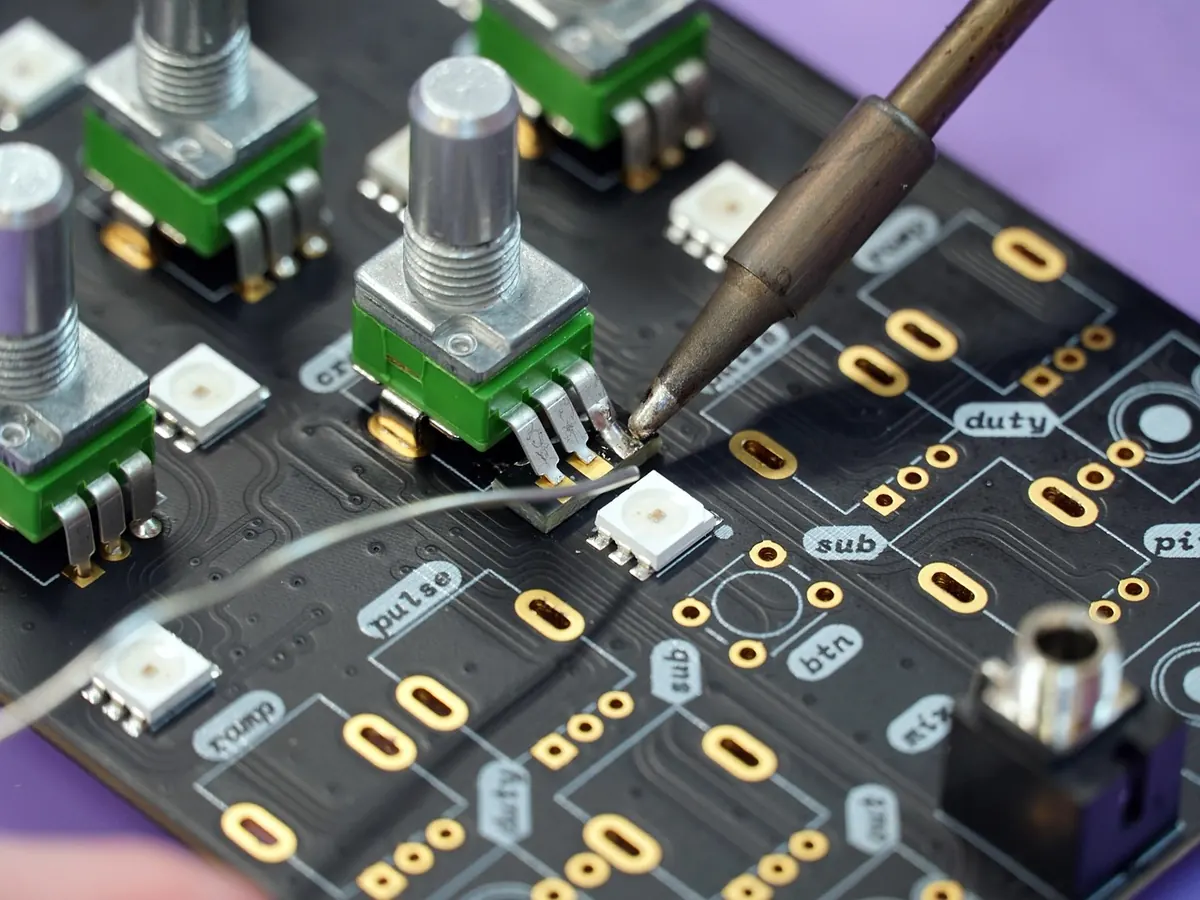
7 Signs Your Prototype Is Too Complicated
A prototype has one job: to answer a question cheaply. The moment it starts answering five questions, impressing a room, or needing you to stand next to it, it stops being a prototype and becomes a small, badly funded product launch.
That drift happens quietly. A feature added on a Tuesday. A sensor glued in on a Thursday. A laptop that must never be closed, moved, or looked at sharply. By the time you sit down with users, the thing is so loaded that the feedback you get is about the seams rather than the idea. Here are seven signs you have crossed that line, and what to cut first.
1. You Need a Script to Demonstrate It
If showing the prototype means following a sequence from memory — press this, wait for the light, don't touch the dial, then open the app — you have built something that only works in rehearsed hands. Real testers poke, tap and open things you did not plan for. That is the point of testing them.
Try this: hand it over and say nothing. If the session collapses inside a minute, the version you built was a rehearsal for the team, not a test with users. Trim to one path. One entry point, one action, one visible outcome. Anything else can wait for the next round.
2. You Hear "While We're In There, Let's Also…"
Feature creep rarely arrives as a bold decision. It arrives as a small favour. A stakeholder's idea. A sensor you happen to have on the shelf. A dashboard screen nobody asked for but everyone can picture.
Run each element through these questions:
- Does it answer the question this round of testing is actually about?
- Would a tester notice if it were missing?
- Could we fake it with a person, a sticky note or a static image?
- Would removing it change the decision we make next week?
If the last two answers are no, it goes. Write the cut list down and keep it visible; otherwise the same features creep back in during the next build.
3. The Wiring Owns the Room
Tape. Loose jumper leads. A battery held on with an elastic band. A charging cable that only works if you hold it at an angle. We have all built these, and they are fine for a desk. They are not fine for a test.
Fragility costs more than time. Testers handle a delicate object carefully, ask permission before touching it, and stop exploring. You end up with polite feedback about a prototype nobody dared use properly.
Before a session, do a handover test. Pick the prototype up, walk to another room, and give it to a colleague who has not seen it. Watch where they hesitate. If they look at you before they touch anything, strengthen the weak point or rebuild that section as a simpler mock.
4. Only One Person Knows How to Start It
If the prototype boots only when its maker is in the room, you have a single point of failure sitting between you and your research. People get ill. Trains are cancelled. Sessions get moved.
Write a one-page run sheet: how to power it, how to reset it, what to do when the light stays red. Label the parts. Name a second operator and let them run one practice session. Keep the charger in the box with the prototype, not in your bag.
Reset in under a minute
A prototype that takes ten minutes to reset between participants will quietly shorten your sessions. Aim for a reset you can do while the next person is signing in: same starting screen, same default settings, same blank state every time.
5. Testers Spend the Session on the Controls
Watch where the minutes go. If participants are typing email addresses, hunting for a menu, or reading an onboarding screen, most of your session is about fiddliness rather than the idea you are testing. Their feedback will be about buttons.
Cut the boring parts. Start the prototype where the interesting bit begins. Use pre-filled data. Put the dull screens on paper. If a feature genuinely needs to work but is not the point of the test, hide a person behind it and pretend — a human answering in real time is a legitimate, well-established way to test an experience before you build it.
6. You Have Become Afraid to Change It
When a prototype turns precious, iteration slows to a crawl. You schedule a rebuild day. Changes need three people. One section is "the tricky bit" and nobody touches it. That is a warning sign, not a sign of quality.
A healthy prototype is cheap enough to break. Keep spare components. Build the fragile section twice. Accept that some of it will look ugly, because appearance is not what you are learning from. If a change takes an afternoon of careful surgery, the build is too complicated for the stage you are at.
7. It Tries to Answer Every Question at Once
Desirability, usability, technical feasibility and price sensitivity in one build gives you mush. Each of those needs a different kind of prototype: cardboard for flow, a role-play for value, a rough electronic build for a single interaction.
Match fidelity to the question. If you cannot say, in one sentence, what you are testing today, split the session in two and run them on different days with different builds. You will learn more, and you will learn it faster.
A Ten-Minute Cut List Before You Test
Run this the day before your session, with the prototype in front of you:
- Write the single question this test is meant to answer. If you cannot, postpone the test and decide first.
- List every feature, screen and component. Mark each one as needed or cut.
- Remove anything that exists only to look finished.
- Carry it to another room and hand it to someone who has not seen it.
- Time the setup and the reset. If either takes longer than a few minutes, simplify it.
- Rehearse saying nothing for the first sixty seconds. Note what the tester does.
Complexity creeps in because it feels like progress. It is not. A prototype earns its keep by what you learn per hour of testing, not by what it can do. Cut until it feels slightly too simple, then run the session and let the feedback tell you what to add back.
Photo: theaflowers / Pixabay
Building a Local Materials Library for Prototyping in the UK
How to source offcuts, reclaimed stock and surplus materials from UK workshops, scrapstores and salvage...

Ideation Without Burnout: A 30-Minute Team Warm-Up
A practical 30-minute warm-up for tired teams who need useful ideas without the pressure of a full...